SeeNote: an audio-video event annotation tool
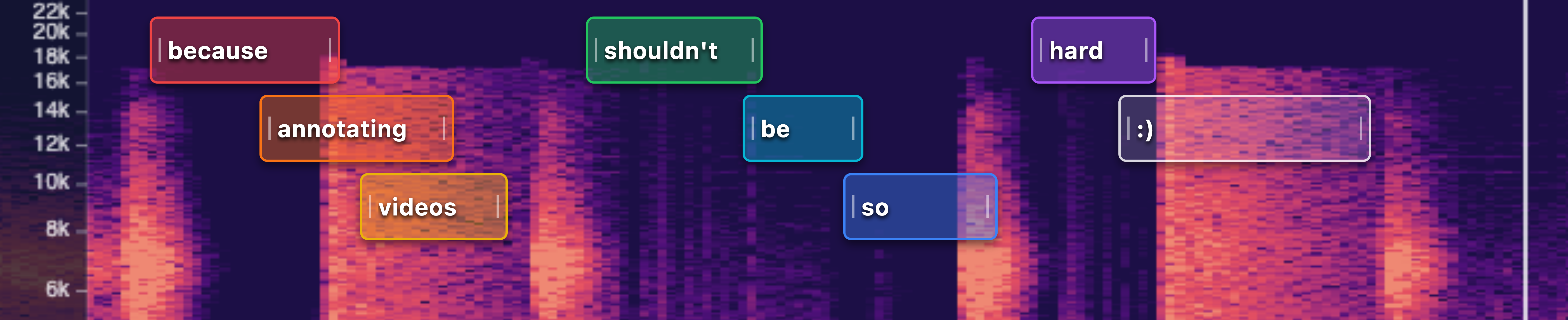
Update: SeeNote has come a long way
It’s been a while since I originally made this post. I’ve been aggressively developing SeeNote to be my dream annotation tool, and lately my dream tool to deep-dive on buzzdetect results. The content of this post is still mostly true, but the app has long since moved from a webapp to a full blown desktop application. You can find the re-introduction of SeeNote here.
Well, I didn’t expect my inaugural blog post would be about a vibe coded tool, but all the thoughtful labor I’m putting into my other posts is delaying them. TL;DR: “I” “made” a tool called SeeNote for labeling audio events in video files. It’s free. Try it out!
Beyond buzzes
I train models that detect acoustic events (namely, pollinator flight buzzes). I’ve labeled countless buzzes from field recordings, but it’s impossible to know for certain the identity of the insect making the buzz. Is it a honey bee? An andrenid bee? A small bumble bee? If we want our models to go beyond detection and towards classification, we need more information. Audio alone is not sufficient to train an acoustic model.
To identify the pollinator producing the buzz, we need video. But video comes with a whole host of headaches, one of which is difficulty of annotation. For annotating audio, we use the wonderful and free Audacity, using label tracks to tag events. For video, there’s not a satisfying equivalent. AudaVid looked promising but wasn’t a smooth experience when we tried it a couple years ago. ELAN is extremely powerful, but dauntingly complex and the spectrogram panel seems to be broken. I’m sure the various paid enterprise solutions are great, but they’re also way more powerful than we need and unless any of these organizations wants to cut me a grant, they’re out of budget.
And as much as I love coding, I can only pull the wool so far over my advisor’s eyes. Building video annotation software as an entomology student is…a hard sell.
Sigh…let’s ask the robots
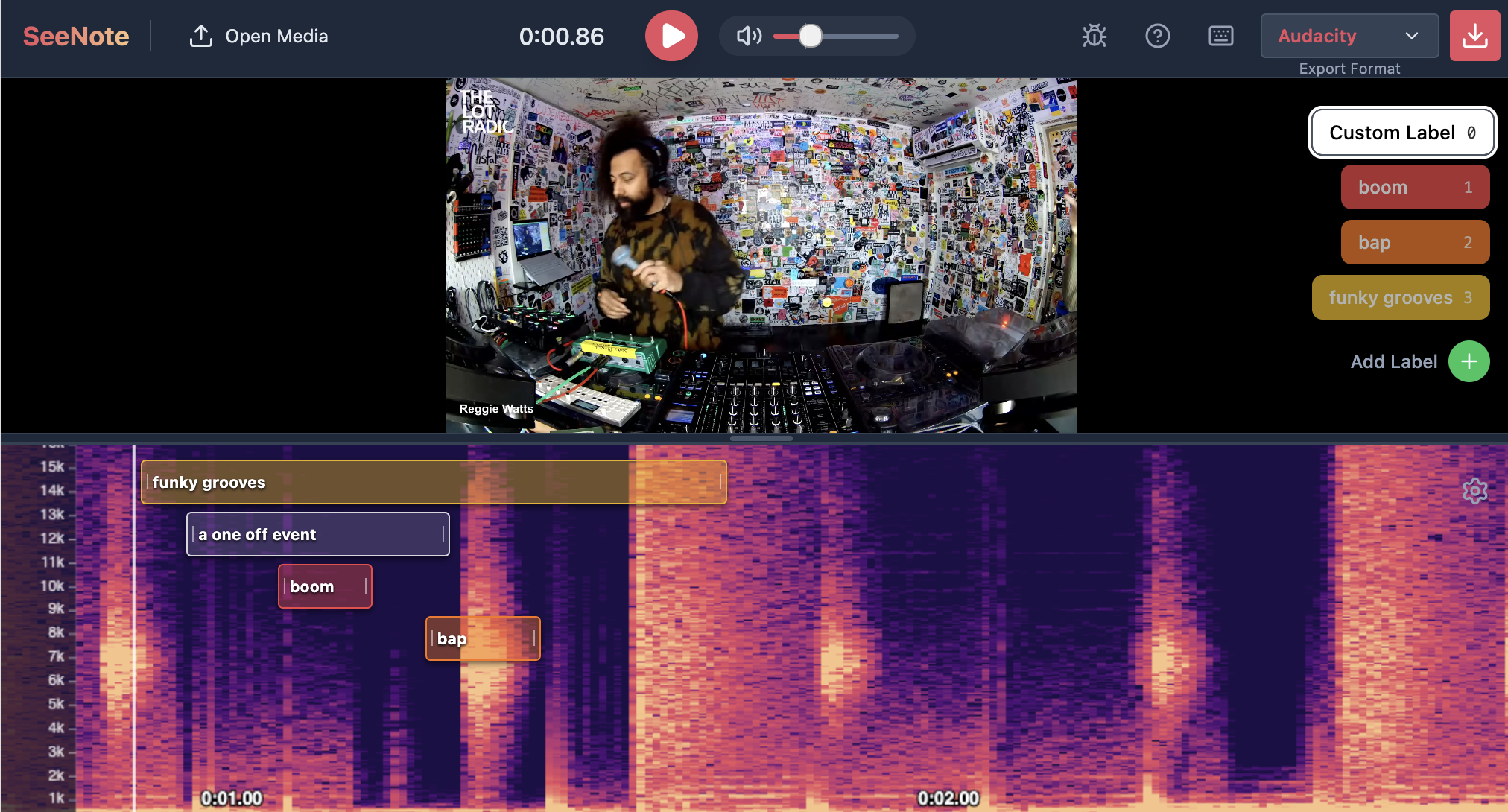 Holy smokes we’ve come a long way. I tried vibe coding this tool using JetBrains’ Junie maybe a year ago and it was hopeless. I used Google AI Studio with Gemini 3 Pro Preview to create this tool. It perfectly one-shot my initial prompt, although now I’m iterating and refining.
Introducing: SeeNote
SeeNote is an audio-visual event annotation tool. The core philosophy is (i) synced audio+video+spectrogram playback, with (ii) event labeling, while being (iii) as simple and friendly as possible.
Disclaimer: this product is almost entirely vibe coded. I know nothing about react or webapps in general. All processing happens locally on your browser, but check the source code for yourself. I know vibe coding invites a lot of scorn. I’m entirely against it when it comes to data analysis and though I use LLMs extensively for troubleshooting and problem solving when coding, I haven’t pushed any vibe code to buzzdetect. All this said, if this tool outputs the correct labels, I don’t care how it happens under the hood. I’m guessing you don’t either, as long as it isn’t hiding any crypto miners or security vulnerabilities. Proof: I never inspected Audacity’s source code.
I didn’t make SeeNote, I just specified it for the machine to make. I waive all intellectual property rights I may have in this code and provide it to the public domain. You are free to use, copy, modify, and profit from it.
Features
Audio+Video, together forever
- Supports common video and audio filetypes
- Synced video, audio, and spectrogram playback
- Adjust frequency scale (linear, log, mel) and spectrogram visualization (frequency range, brightness, contrast)
- Client-side processing - everything happens in your browser
Easy labels
- Click-and-drag annotation directly on the spectrogram timeline
- Define custom labels on hotkeys to quickly switch between common labels
- Rename custom labels to
- Intelligent auto-stacking prevents overlapping labels from obscuring each other
Save your hard work
- Export results as…
- Audacity Labels (.txt, tab separated and without column names)
- CSV
- JSON
Enjoy, and let me know if you’d like to see any new features!